Vercel AI SDK observability installation


Let AI instrument your LLM calls for you
Skip the manual setup — run this in your project and the wizard installs the SDK and wires up AI Observability for you.

Contents
- 1
Install dependencies
RequiredUse Node.js 22.22 or later. Install the PostHog AI package, the Vercel AI SDK, its OpenTelemetry integration, the OpenTelemetry SDK, and Zod for defining tool schemas.
- 2
Set up the OpenTelemetry exporter
RequiredCreate
instrumentation.ts. Initialize the OpenTelemetry SDK with PostHog'sPostHogSpanProcessor, then register the Vercel AI SDK integration. Both setup calls must finish before the first AI SDK call. Their relative order does not matter because the integration obtains a lazy OpenTelemetry tracer.Request-scoped runtimes: Keep the processor reference and await
posthogSpanProcessor.forceFlush()before the request lifecycle ends, or attach the promise to a supported lifecycle hook such aswaitUntil. Long-running services can flush during graceful shutdown instead.Vercel AI SDK versions: This OpenTelemetry integration is the supported path for Vercel AI SDK v7. The legacy PostHog
withTracingwrapper supports the v5 and v6 provider interfaces and rejects v7 models. - 3
Call Vercel AI with telemetry enabled
RequiredPass request data through
runtimeContext, then select the fields that the telemetry integration can receive withtelemetry.includeRuntimeContext. Definetoolsthe same way you normally would, with anexecutefunction, asget_weatherdoes below.Identity: Provide
distinctIdfor stable user attribution. Omitting it does not make capture anonymous. PostHog assigns fallback IDs when no distinct ID is present.Groups and custom properties: PostHog ingestion converts the JSON-string
$groupsattribute into native group associations. Other scalar attributes returned byenrichSpan, such asenvironment, remain filterable custom properties.Trace and session names:
$ai_session_idgroups calls in AI observability. Trace names are not configurable on the v7 OpenTelemetry path yet. PostHog derives the displayed trace name from the OpenTelemetry span name, which takes precedence over$ai_trace_name.functionIdis emitted asgen_ai.agent.nameand does not set the trace name either.Runtime context support: Current
@ai-sdk/otelreleases passruntimeContexttoenrichSpanforgenerateTextandstreamText. Object generation, embeddings, and reranking do not pass runtime context yet.Privacy: Vercel AI SDK v7 records prompts and outputs by default. Set
recordInputs: falseorrecordOutputs: falseintelemetryto disable either field. The OpenTelemetry path does not have a separate PostHog privacy switch for text content, so these flags are the control for prompt and output recording.You can expect captured
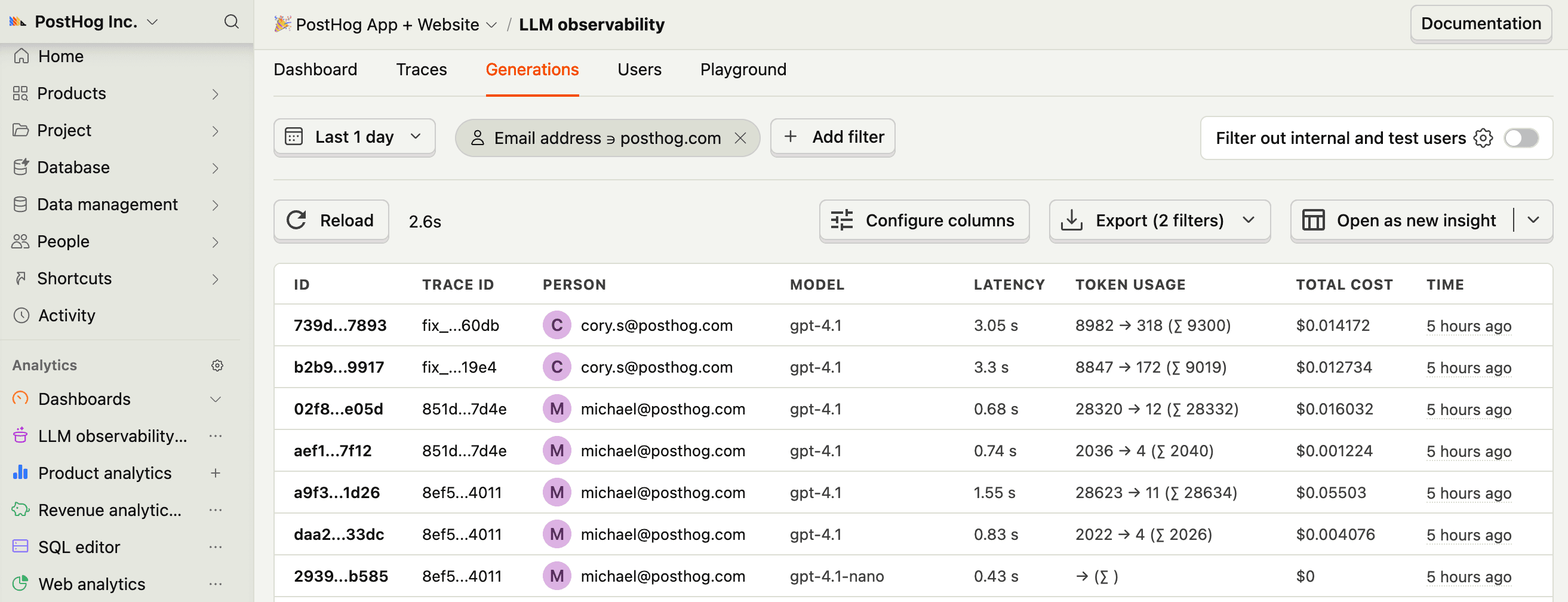
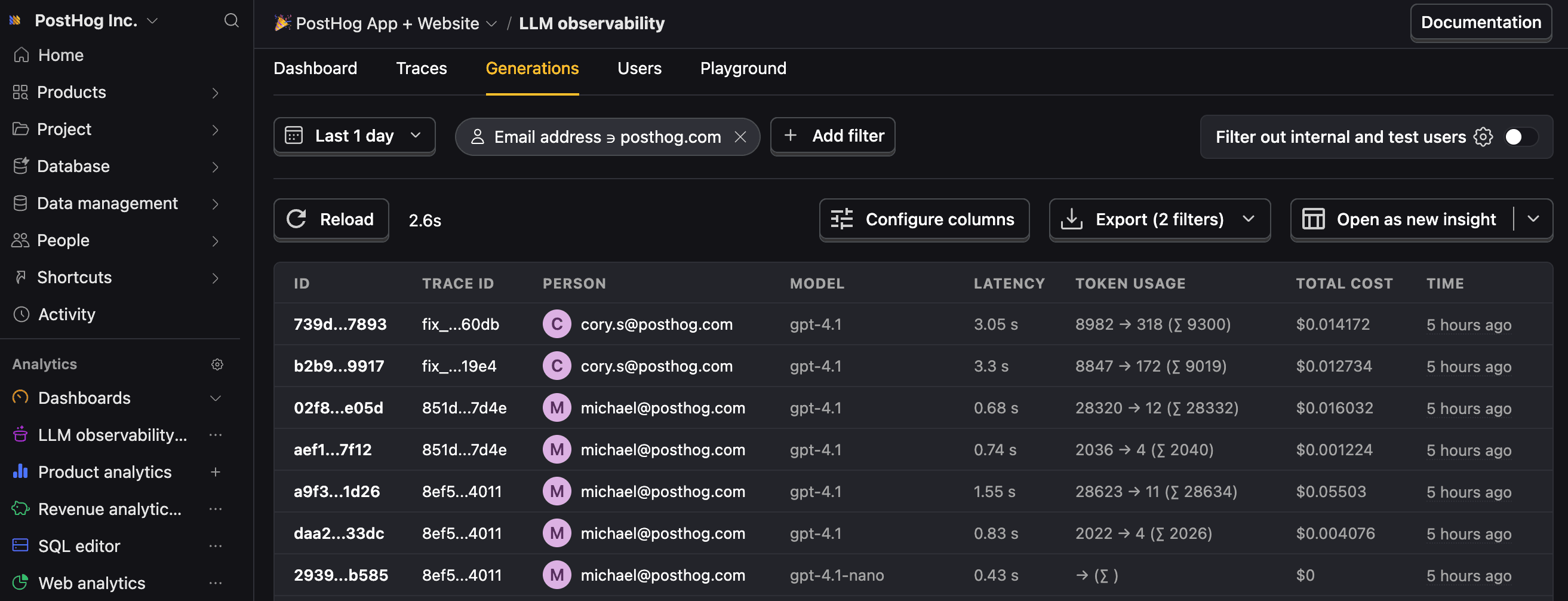
$ai_generationevents to have the following properties:Property Description $ai_modelThe specific model, like gpt-5-miniorclaude-4-sonnet$ai_latencyThe latency of the LLM call in seconds $ai_time_to_first_tokenTime to first token in seconds (streaming only) $ai_toolsTools and functions available to the LLM $ai_inputList of messages sent to the LLM $ai_input_tokensThe number of tokens in the input (often found in response.usage) $ai_output_choicesList of response choices from the LLM $ai_output_tokensThe number of tokens in the output (often found in response.usage)$ai_total_cost_usdThe total cost in USD (input + output) [...] See full list of properties - 4
Next steps
RecommendedNow that you're capturing AI conversations, continue with the resources below to learn what else AI Observability enables within the PostHog platform.
Resource Description Basics Learn the basics of how LLM calls become events in PostHog. Generations Read about the $ai_generationevent and its properties.Traces Explore the trace hierarchy and how to use it to debug LLM calls. Spans Review spans and their role in representing individual operations. Anaylze LLM performance Learn how to create dashboards to analyze LLM performance.